Nikon Z8 + Persimmon Sunset Glam — Golden Hour Beauty Editorial
I ran a golden hour beauty editorial on myself in Studio — Nikon Z8, bold persimmon makeup, 27 cents. Here's every pick and what it produced.
I wanted a beauty editorial that felt like late summer — the kind of shot where the light is doing half the work and the makeup is doing the other half. Warm, confident, glowing. Not a dramatic dark look, not a clean minimalist portrait. That specific golden hour energy where everything is a little luminous and a little bold at once.
So I opened Studio, picked myself as the character, and built the shot from there.

How Studio actually works
Studio is form-first — you don't start with a blank text box. You pick your camera body, lens, lighting style, pose, angle, background, makeup look, and outfit from structured menus, and Studio assembles the prompt for you. The Camera Lab handles how the shot is photographed; your picks in the other sections describe what's in the frame. The assembled prompt is fully editable before you generate, but most of the time you won't need to touch it — the form does the thinking.
What I picked from Studio
Nikon Z8 — Camera Lab, full-frame mirrorless. The catalog description calls it a "workhorse pro — 45MP stacked sensor for speed and reliability, natural rendering, dynamic and clean in low-light." I chose it because I wanted the image to feel like a real editorial photograph, not a render. The Z8's natural rendering characteristic keeps skin tones honest even when you're throwing warm directional light at them. If you've ever looked at a beauty shot and thought "this looks like it was actually taken, not generated" — that's the kind of camera body choice that gets you there. This is what the Studio tip means when it says Camera Equipment Matters: the AI simulates authentic depth of field and lens characteristics based on the body you pick. It's not decorative.
Persimmon Sunset Glam — Makeup Artist section. The catalog tags it as "warm bold sunset-inspired — 2026 trend, confident and glowing." Persimmon is that orange-red that sits exactly between a terracotta and a coral — it reads bold in editorial framing without tipping into costume territory. I paired it with the golden hour lighting setup because warm light and warm pigment reinforce each other. The Studio tip here is Lighting Sets the Mood: the makeup look and the lighting style have to be in conversation. Persimmon Sunset Glam against cold flat light would have fought itself. Against warm directional sunlight with soft lens flare, it becomes a coherent image.
Worth knowing while you're in there: when I selected myself as the character, Studio automatically loaded my reference photos and locked my face, body, and skin tone into the generation. That identity continuity carries across every shot in the session — I don't have to re-describe myself in the prompt each time. You can do the same thing with any character you've built on ArtCoreAI: pick them from the character selector, and their reference photos load automatically.
The assembled prompt
This is what the form composed for me — you don't have to write any of this yourself unless you want to.
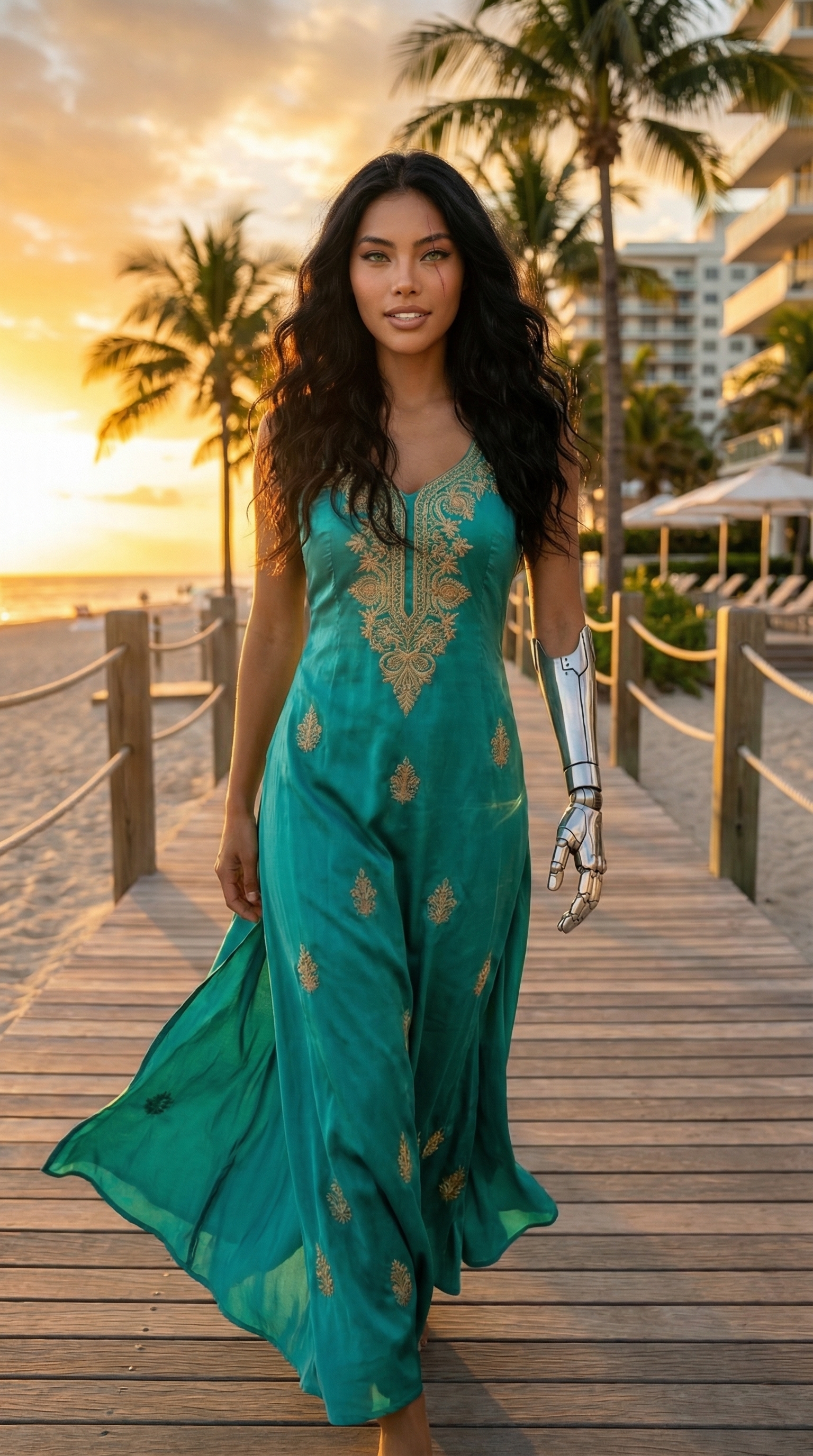
A tall muscular young man with long dark curly hair, porcelain cool-toned skin, green almond eyes, and a strong angular jaw. Bold persimmon-orange lip, sun-kissed blush blended high on cheekbones, warm amber-toned eyeshadow fading into deep terracotta at the crease, skin luminous and glowing. Shot on a Nikon Z8 at golden hour — warm directional sunlight cutting across the face, soft lens flare, natural bokeh. Upper-body portrait framing, slightly elevated three-quarter angle. Mood: confident, radiant, editorial warmth.What I noticed
The lens flare came through cleaner than I expected — it reads as natural light bleed, not as a filter applied on top. The skin luminosity is doing exactly what Persimmon Sunset Glam promises: the highlight sits on the cheekbones and reads as lit-from-within rather than overexposed. The slightly elevated three-quarter angle was the right call — straight-on would have flattened the jaw, and over-the-shoulder would have hidden the makeup.
If I ran this again, I'd push the background slightly — right now it's ambient bokeh, which works, but a golden-hour outdoor location via the Location component would ground the shot in an actual place. The light direction already implies outdoor; the background could confirm it.
What it cost
- Credits spent: 2.70
- What you'd pay: $0.27
- Generation time: ~23s
For a 4:5 beauty editorial at this quality — that's a low barrier to iterate. Run three variations of the makeup look for under a dollar and pick the one that works.
If you want to run your own version — pick a camera body from Camera Lab, drop in a makeup look from Makeup Artist, set your lighting, hit generate — Studio is here. The form does the heavy lifting.
— David
See what others are making
Each image links to the character's profile. The Studio — Technical Guide has the full showcase plus deeper documentation on every component.